Finding the right printer ink should be easy, but it often turns into a hunt through cartridge numbers, printer models, ink types, and confusing capacity labels. For a small business or home office, choosing incorrectly can mean wasted supplies and an avoidable interruption when you need to print.
The tricky part is that cartridges can look almost identical while working with completely different printers. We can also get distracted by page-yield claims or attractive listings and miss the one detail that matters most: whether the cartridge actually matches our printer.
We looked closely at the category, checked current manufacturer information, compared the relevant cartridge families, and selected the five options featured here. Our aim is simple: make the buying decision feel less complicated and help you choose with greater confidence.
How We Selected the Best Printer Ink Cartridges
We focused on genuine cartridges with clearly documented compatibility, useful capacity information, and practical guidance from the manufacturers. We also looked at details that matter during everyday printing, such as separate color cartridges, high-capacity choices, and regional availability.
From there, we considered how each cartridge fits the kind of printing you actually do. A good choice is not necessarily the one with the longest specification list. It is the one that matches your printer, workload, and expectations without introducing unnecessary complications.
- Compatibility: We check whether the cartridge is listed for your exact printer model before looking at anything else.
- Capacity: We compare standard and high-capacity options so you can match ink volume to your workload.
- Print purpose: We consider whether the cartridge makes sense for documents, color work, photos, or mixed printing.
- Supply management: Separate colors can make replacement easier because you can change only the color that runs out.
- Availability: We pay attention to discontinued models and regional numbering because those details can make reordering harder.
- Manufacturer support: Clear specifications and guidance give you a better chance of buying the right cartridge the first time.
These factors help us keep the recommendations useful rather than overly complicated. They also give you a clearer way to compare cartridges before placing an order.
Best Printer Ink Cartridges for Small Business and Home Office
With those basics covered, we can get straight to the cartridges and where each one makes the most sense.
1. Canon PG-245 XL Genuine Black Ink Cartridge, Compatible with iP2820
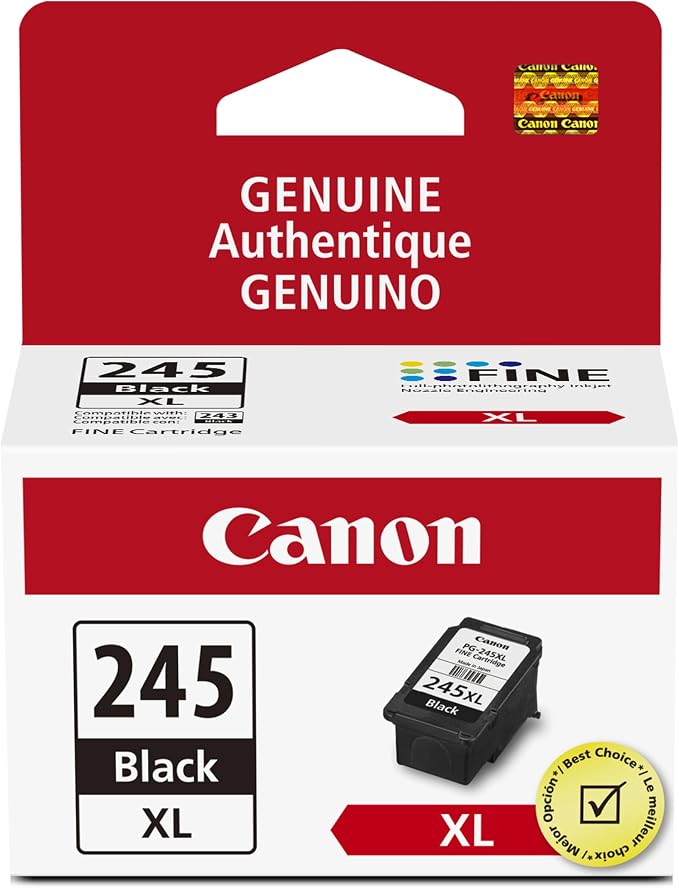
The Canon PG-245 XL is a good fit for owners of compatible PIXMA printers who mostly print documents and want a higher-capacity black cartridge. Canon identifies it as a pigment black FINE cartridge and lists the iP2820 among its compatible printers on its official cartridge page.
That XL designation is useful when your printer gets regular document duty. Canon positions the cartridge as a higher-capacity option in the PG-245 family, so it can make sense for reports, forms, invoices, correspondence, and other text-heavy pages that keep a home office printer busy.
Compatibility is the first thing we would check. Canon lists the PG-245 XL for several PIXMA models, including the iP2820, TS3120, TS3320, TR4520, MG2920, MG3020, and MX492. A quick check of the compatible model list can help prevent a frustrating mismatch.
There is one important wrinkle. Canon’s U.S. listing currently identifies the PG-245 XL as discontinued. That does not make it unusable for an existing compatible printer, but it does make future availability worth considering before you depend on it for regular business printing.
For installation and storage, we would follow Canon’s directions, keep the cartridge sealed until needed, and handle it carefully around the ink nozzles. It is also worth checking seller availability ahead of time rather than waiting until the printer is already empty.
A few things to note:
- Skip it if your printer is not listed in Canon’s compatibility information.
- Consider another cartridge family if long-term manufacturer availability is important.
- Be cautious about relying on it for critical recurring print work.
2. Canon PG-240 Genuine Black Ink Cartridge
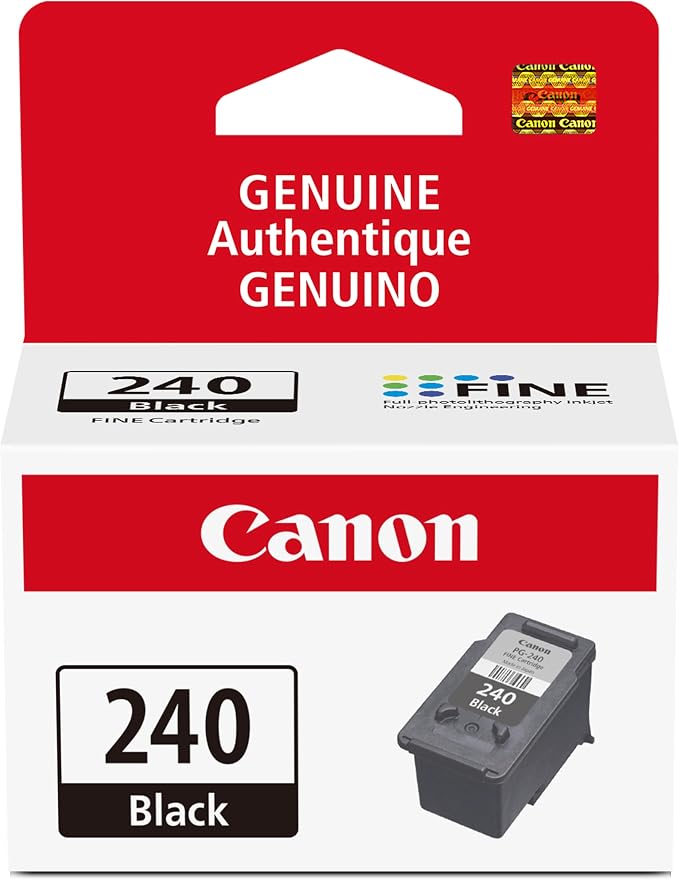
The Canon PG-240 makes sense for owners of compatible PIXMA printers who need a standard-capacity black cartridge for everyday documents. Canon describes it as a pigment black cartridge using FINE technology, so it is a straightforward match for routine home-office printing.
Compatibility is quite specific. Canon lists the PG-240 for models including the MG2120, MG3120, MG4120, MX512, MX432, MX392, MG2220, MG3220, MG3520, MG3620, MX472, MX532, and TS5120. We would always compare your exact printer against Canon’s official product information before ordering.
One helpful feature of this cartridge family is the range of capacity choices. Canon documents standard, XL, and XXL variants for compatible printers, including the TS5120. That gives you room to stay with the same cartridge family while adjusting capacity as your printing needs change. Its printer support information provides additional compatibility context.
The PG-240 is particularly well suited to black-and-white office work. Canon describes its pigment formulation as supporting crisp text, while FINE technology is designed to produce sharp output. For forms, correspondence, notes, and similar documents, those are practical benefits rather than flashy extras.
The main drawback is availability. Canon currently marks the standard PG-240 as discontinued. If you already own a compatible printer, it can still be relevant, but we would check supply availability before making it part of an ongoing office workflow.
Notes of caution:
- Skip it if your printer requires another Canon cartridge family.
- Consider a currently supported ink system if long-term availability matters.
- Check whether standard, XL, or XXL capacity best matches your workload.
3. HP Original 962 Cyan, Magenta, Yellow / 962XL Black Ink Cartridges (4-Pack)
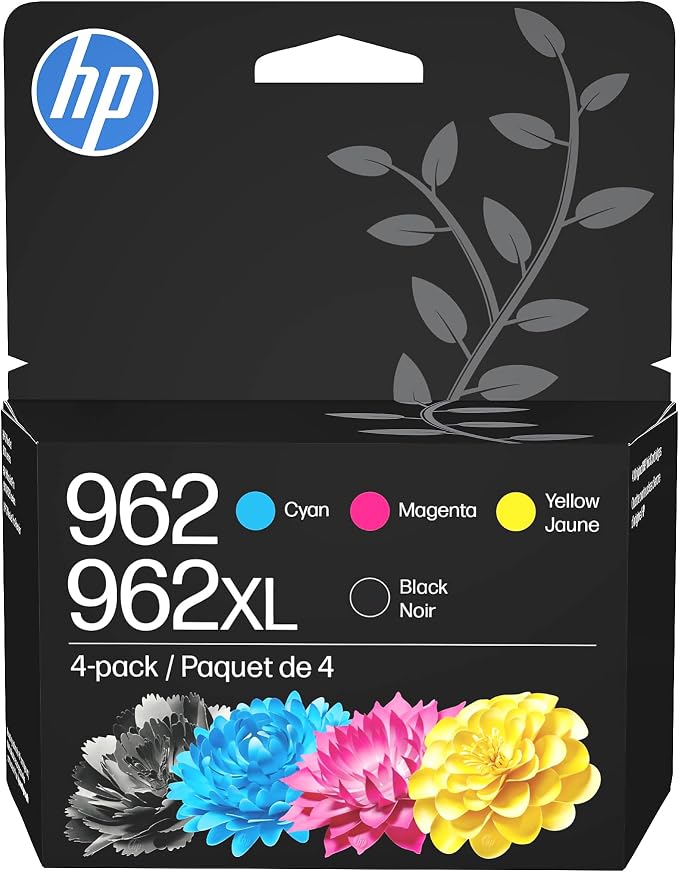
The HP 962 combination is a practical choice for compatible OfficeJet Pro owners who need a complete color set while getting higher-yield black ink. The package combines 962 cyan, magenta, and yellow cartridges with a 962XL black cartridge, as shown in HP’s official bundle listing.
Capacity is where this combination gets interesting. HP rates the 962 cyan, magenta, and yellow cartridges at about 700 pages each under its stated test conditions. Those figures give us a useful point of reference, although your actual results can vary depending on coverage, document type, and printing settings.
Compatibility is equally important. HP lists the 962 family for OfficeJet Pro models including the 9015, 9015e, 9018, 9019, 9020, and 9025 families. We would check the exact printer before ordering, especially because similar product names can belong to different cartridge families.
The combination of standard-capacity color cartridges and a higher-yield black cartridge can work well for mixed office printing. HP rates the 962XL black cartridge at up to 2,000 pages, giving heavier black-document users more capacity between replacements. HP’s black cartridge listing provides the published capacity details.
The main limitation is the uneven capacity across the four cartridges. Your black supply may last noticeably longer than an individual color, so keeping an eye on each cartridge matters. We would also use the printer’s normal replacement procedure rather than waiting until every cartridge reaches the same level.
A few cautions:
- Skip it if your printer uses another HP cartridge series.
- Do not assume the published page yields will match your particular documents.
- Check that the included 962XL black cartridge is supported by your printer.
4. Epson 410 Claria Premium Ink High Capacity Black & Standard Color Cartridge Combo Pack
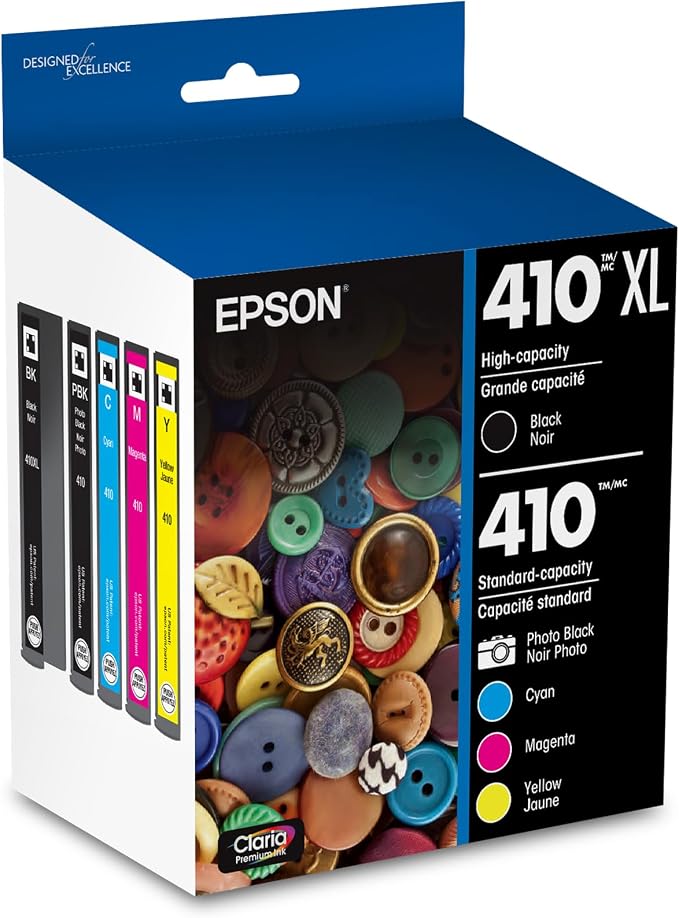
The Epson 410 Claria Premium family is a strong fit for compatible Expression Premium printers that handle both documents and photos. Its separate cartridge system uses pigment black alongside dye-based color inks, giving each part of the printing system a specific job.
Epson offers both standard and high-capacity versions, including a high-capacity 410XL black cartridge. The system also separates black, cyan, magenta, yellow, and photo black, which means you can replace an individual depleted color rather than discarding a full set. Epson explains the arrangement in its official ink information.
Compatibility is tightly controlled. Epson lists the 410 family for models including the Expression Premium XP-530, XP-630, XP-640, XP-7100, and XP-830. Because the cartridge numbers are model-specific, we would confirm your printer using Epson’s ink compatibility guidance before placing an order.
The separate photo-black cartridge is especially useful if your printer handles photos as well as office documents. Epson describes Claria Premium ink as being designed for sharp text and photo output, so the five-cartridge approach makes sense for users who regularly move between different types of print jobs.
The tradeoff is a little more cartridge management. You need to keep track of several ink types and their individual codes, which can be less convenient than a simpler black-and-color setup. We would keep the codes handy and follow Epson’s replacement instructions whenever a cartridge needs changing.
A few things to note:
- Skip it if your Epson printer is not listed as compatible with the 410 family.
- Check the exact cartridge code before ordering.
- Remember that photo black is a separate cartridge in this system.
5. HP 923 Black, Cyan, Magenta, Yellow Ink Cartridges (4-Pack)
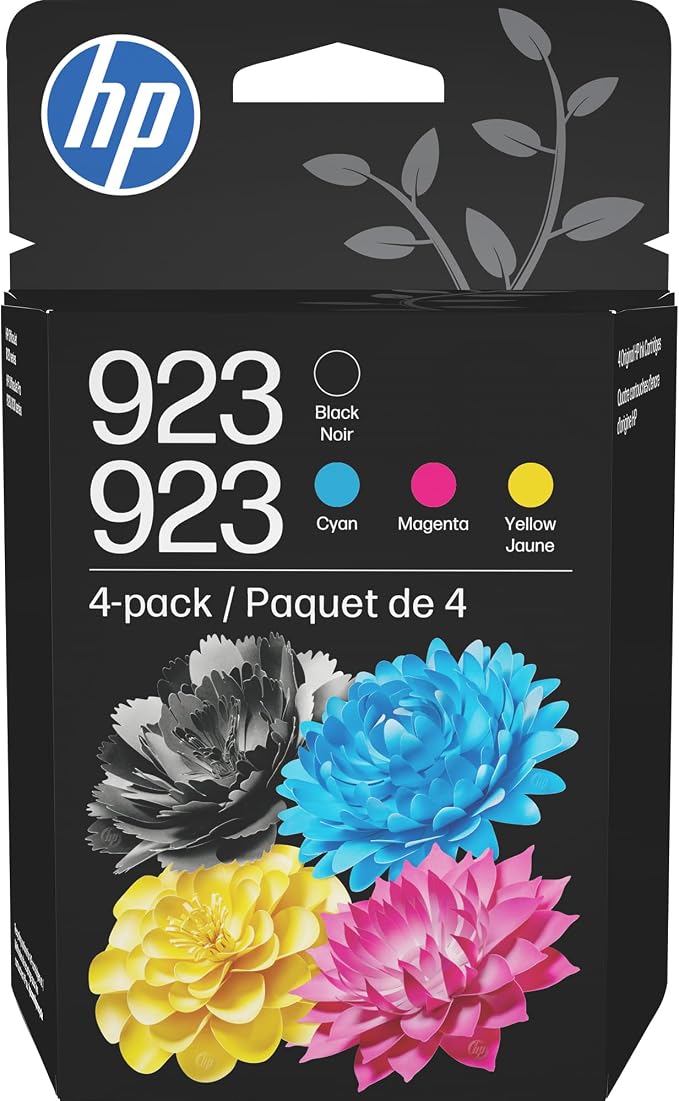
The HP 923 four-pack is aimed at owners of compatible OfficeJet Pro printers who want a complete set of black and color cartridges in one package. It includes separate black, cyan, magenta, and yellow cartridges, which makes sense for offices that regularly print mixed documents.
HP rates the standard 923 black cartridge at about 500 pages and each color cartridge at about 400 pages under its stated test conditions. Those published figures can help us understand relative capacity, although actual results will depend on what you print and how much ink each page uses.
The most important detail here is regional compatibility. HP lists the 923 family for the OfficeJet Pro 8120 series in some markets, while other regions use different cartridge numbers. We would therefore check HP’s regional support guidance rather than assuming the cartridge number is universal.
That distinction matters particularly for buyers outside the United States. HP’s support information for Nigeria, for example, lists 925 cartridges for the OfficeJet Pro 8120 series. The printer name can look the same across markets even though the required cartridge number changes.
The four-pack itself is convenient, but the regional numbering issue means we would treat compatibility as the first checkpoint. Before buying, enter your exact printer model and region into HP’s support system, then confirm the cartridge number shown there.
Notes of caution:
- Skip it when your regional HP support page specifies a different cartridge number.
- Do not assume U.S. cartridge numbers work in every country.
- Verify compatibility before importing or ordering from an overseas listing.
Final Thoughts
Choosing printer ink becomes much easier once we start with the exact printer model rather than the cartridge’s appearance or a headline capacity figure. From there, we can think about whether we need black or full-color ink, standard or high-capacity cartridges, and separate color replacement for our normal workload.
It also pays to check regional cartridge numbers before ordering, especially when buying online. Match the exact cartridge code, follow the manufacturer’s guidance, and choose the setup that fits your workflow. The right cartridge is the one that works reliably with the printer you already depend on.
Be First to Comment